
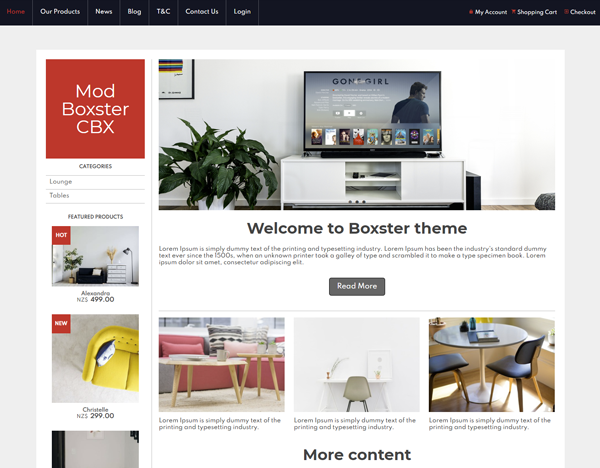
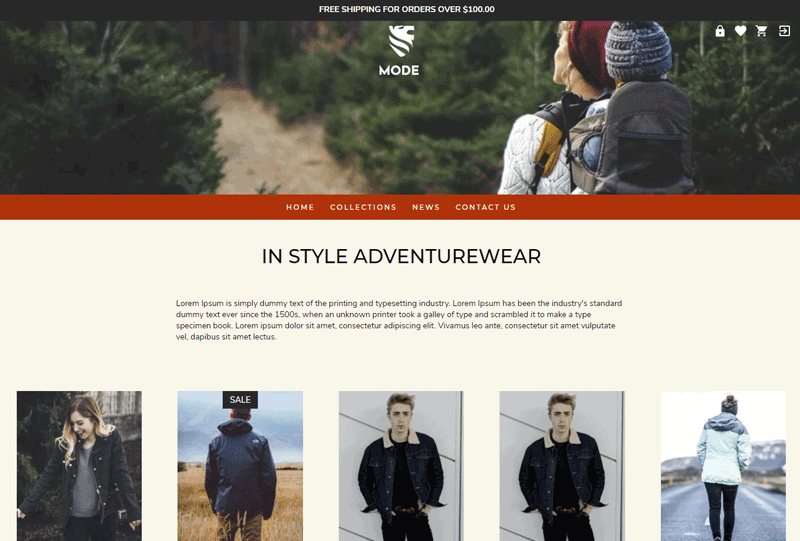
The first step in building your new website is to select a design for your website. You can change your template once you login to the CMS. If you don't find anything you like, please consider using the Vanilla options. Most templates can be customised with your own colours, banners and background images.
-
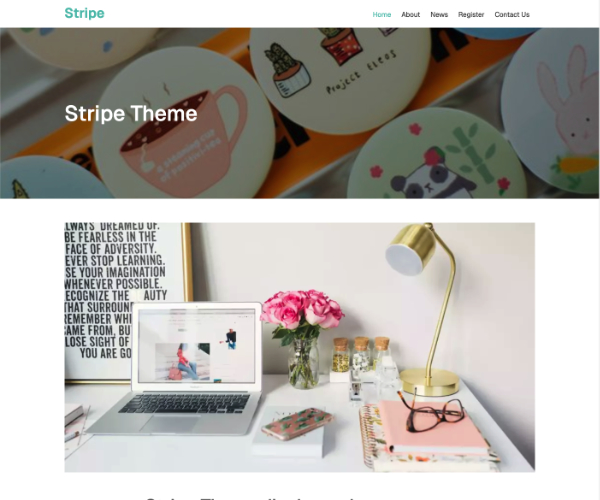 Stripe ThemeID: 134420
 -
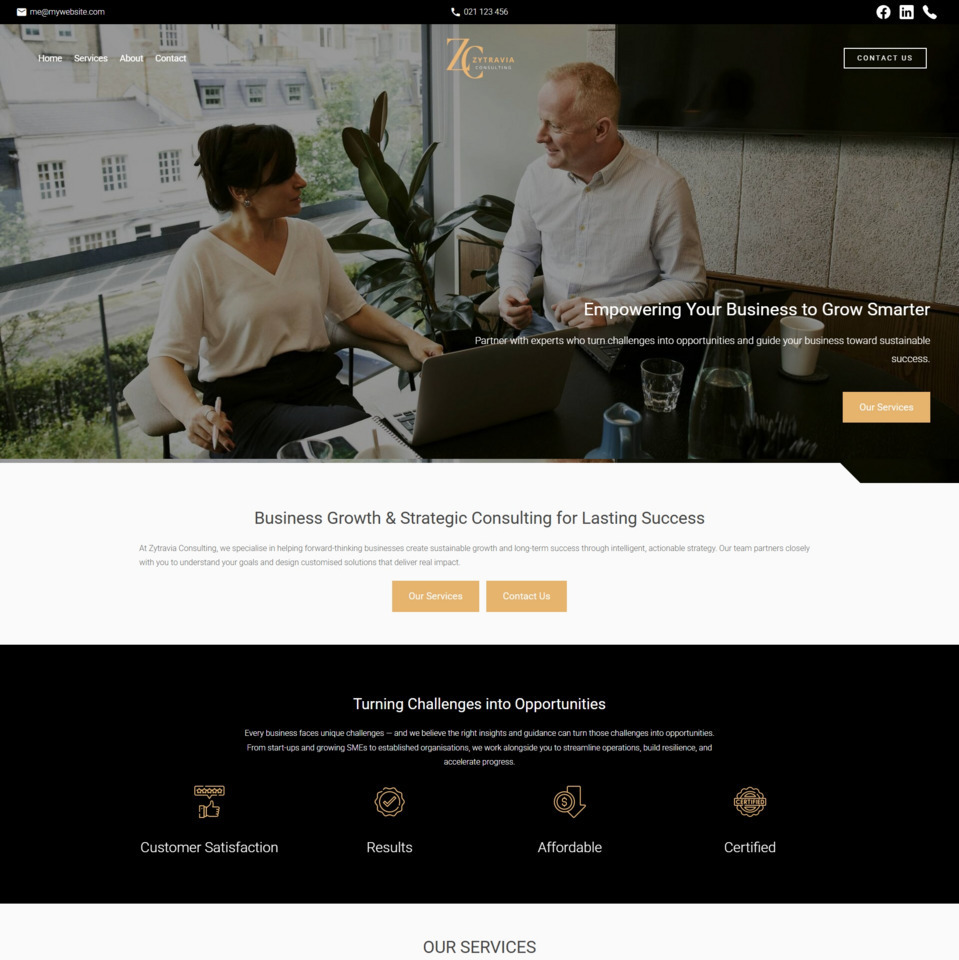 Zytravia Brochure TemplateID: 134346
 -
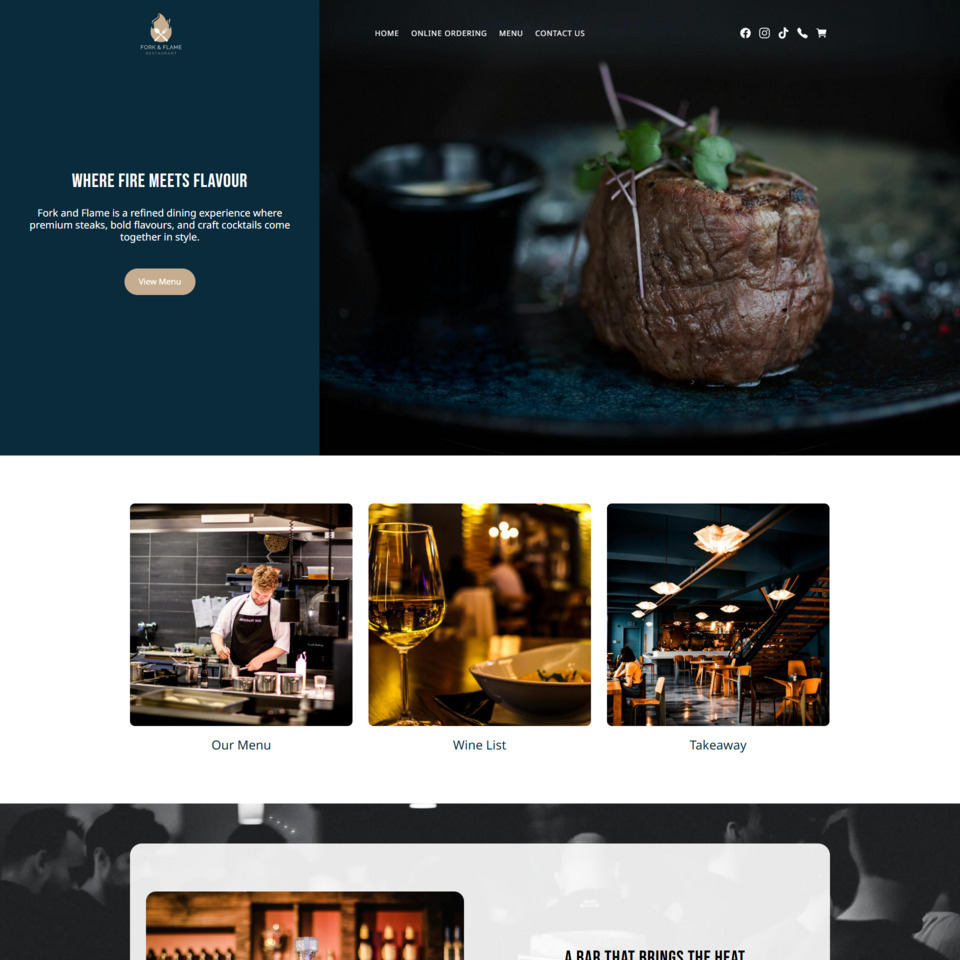 Fork & Flame TemplateID: 134277
 -
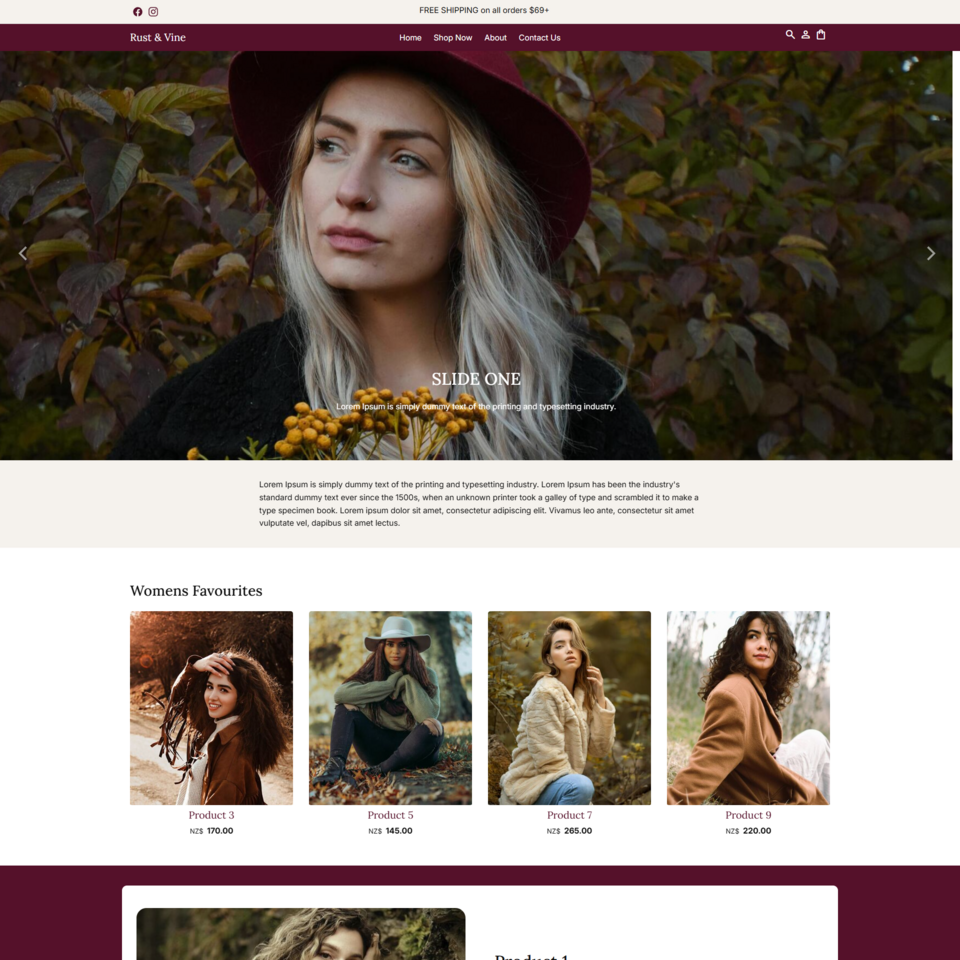 Rust & VineID: 134276
 -
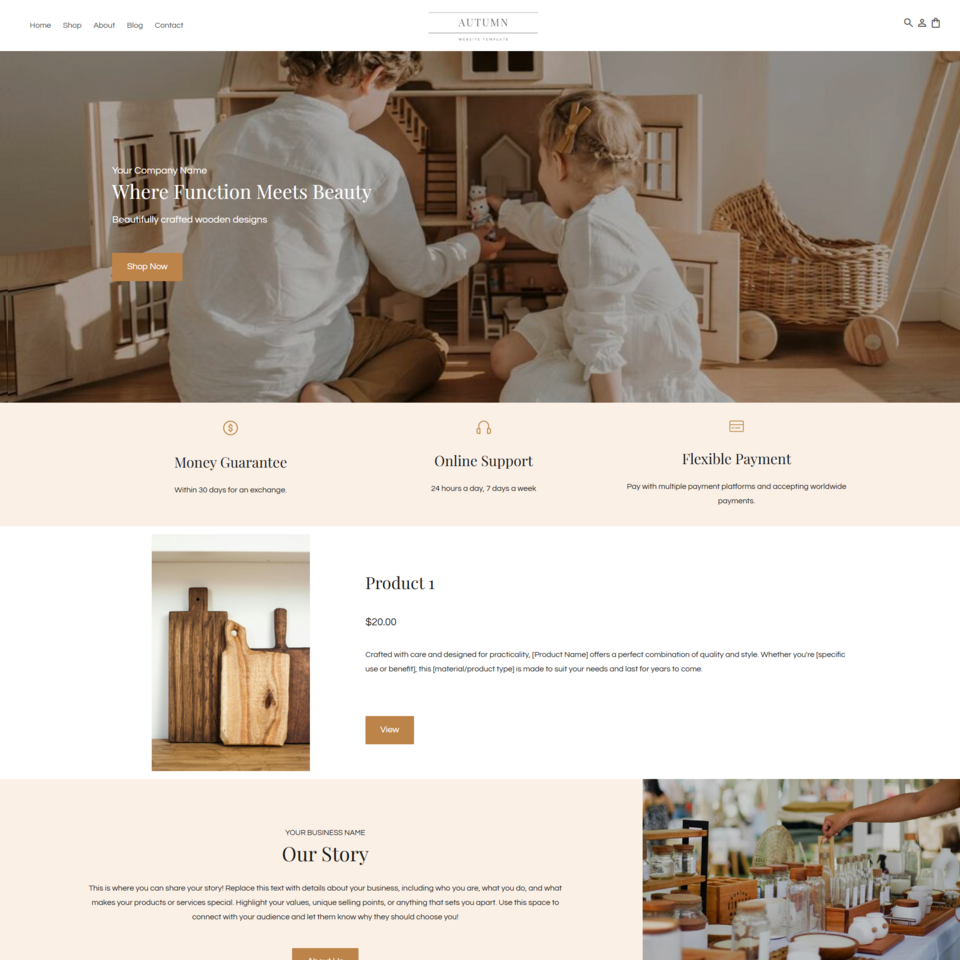 Autumn TemplateID: 133922
 -
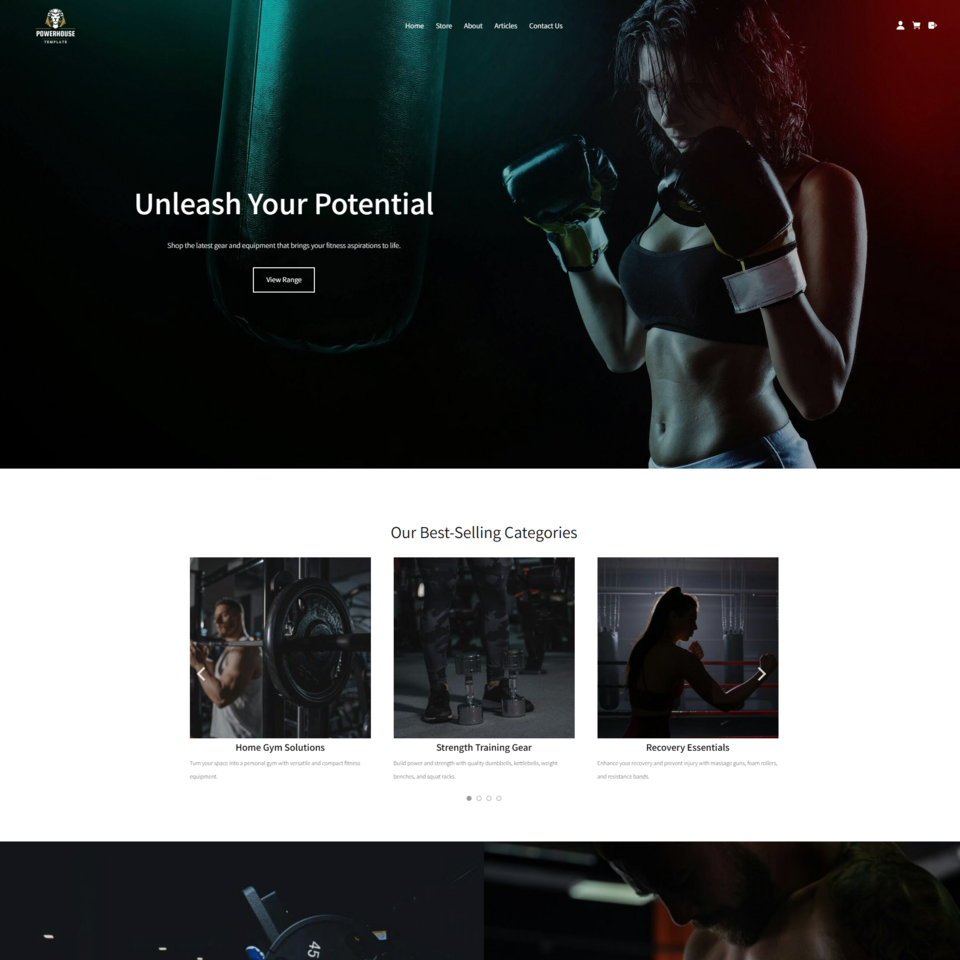 Powerhouse TemplateID: 133811
 -
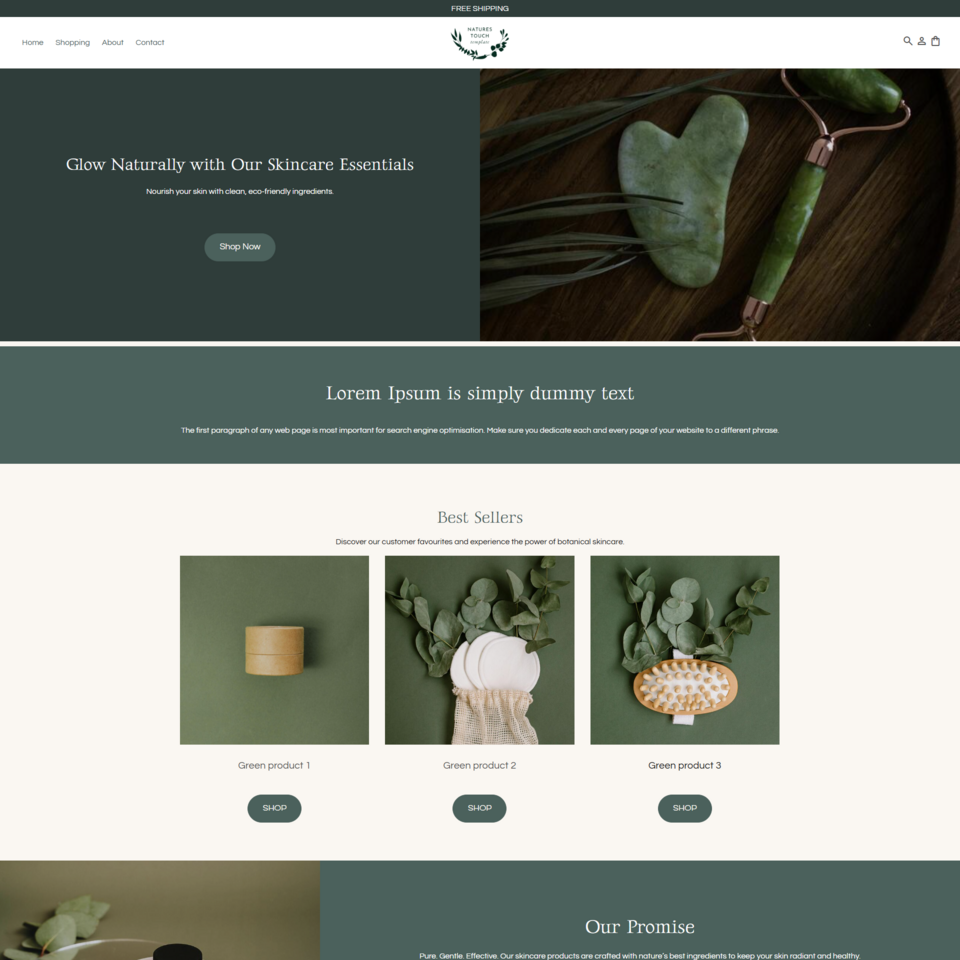 Nature's Touch TemplateID: 133718
 -
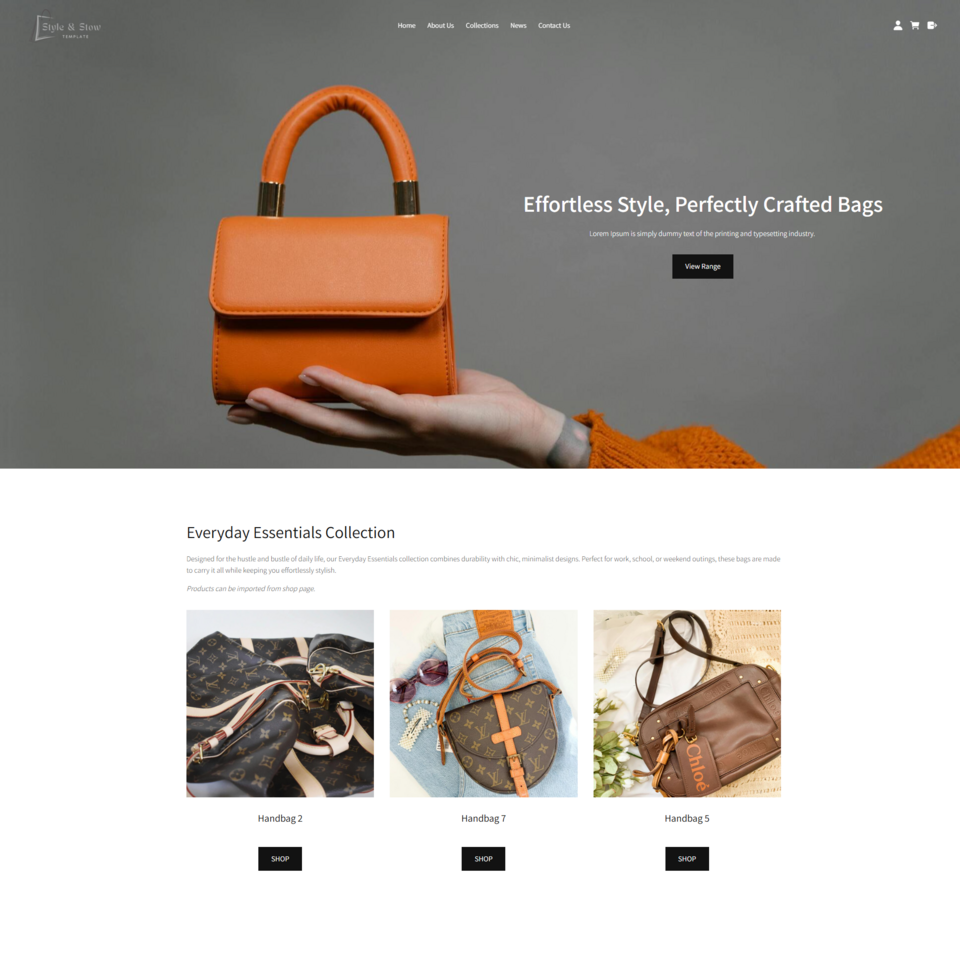 Style & Stow TemplateID: 133685
 -
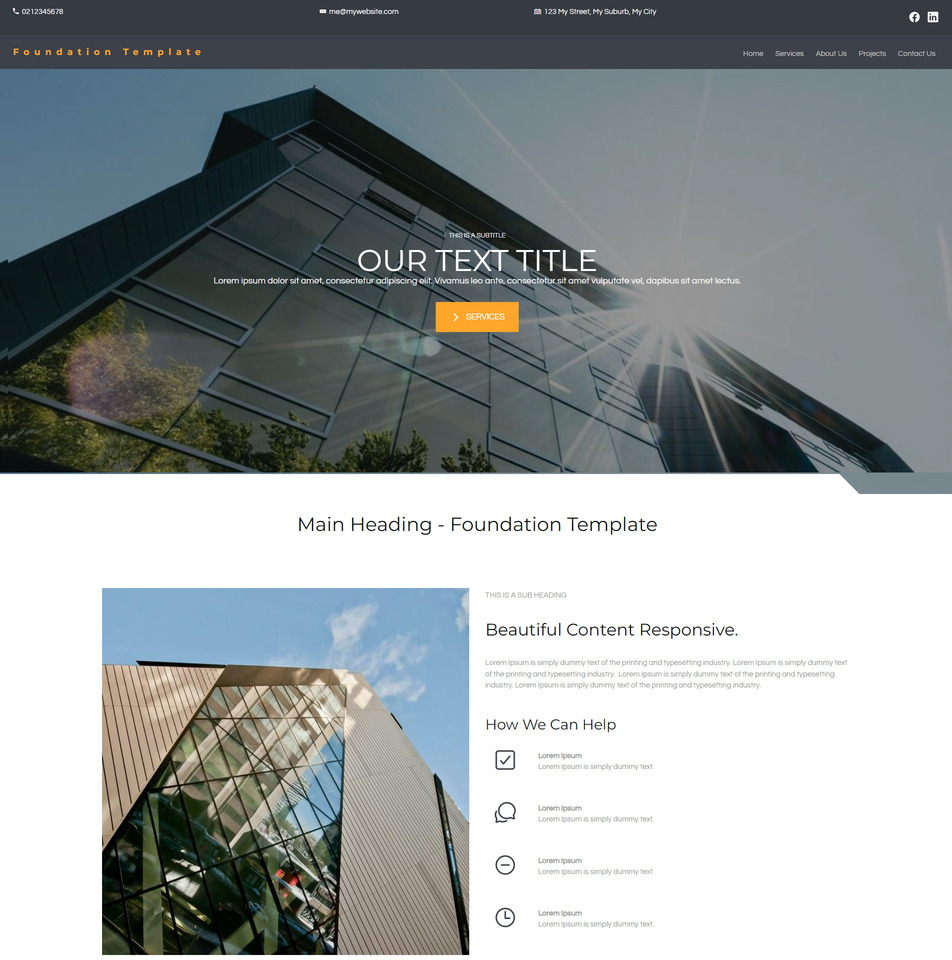 Foundation TemplateID: 133536
 -
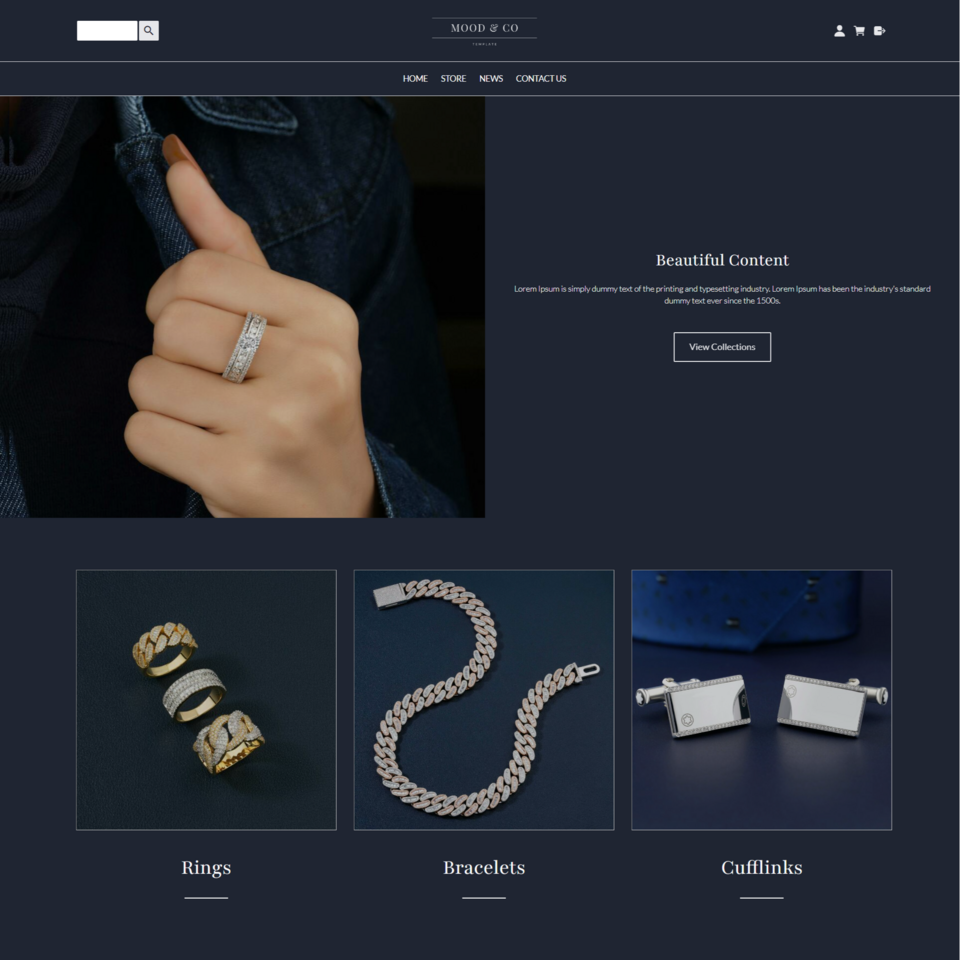 Mood E-commerceID: 133402
 -
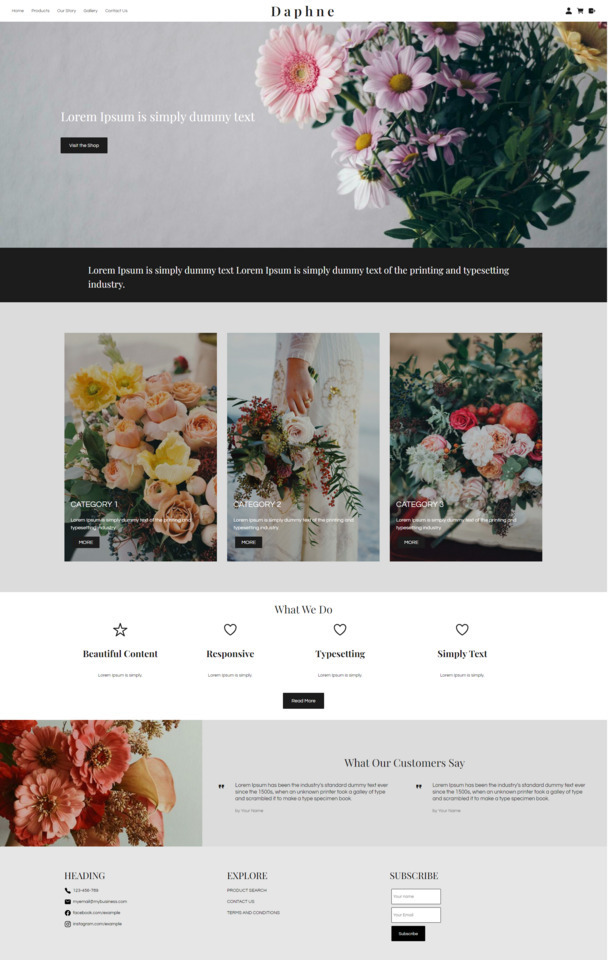 Daphne TemplateID: 133159
 -
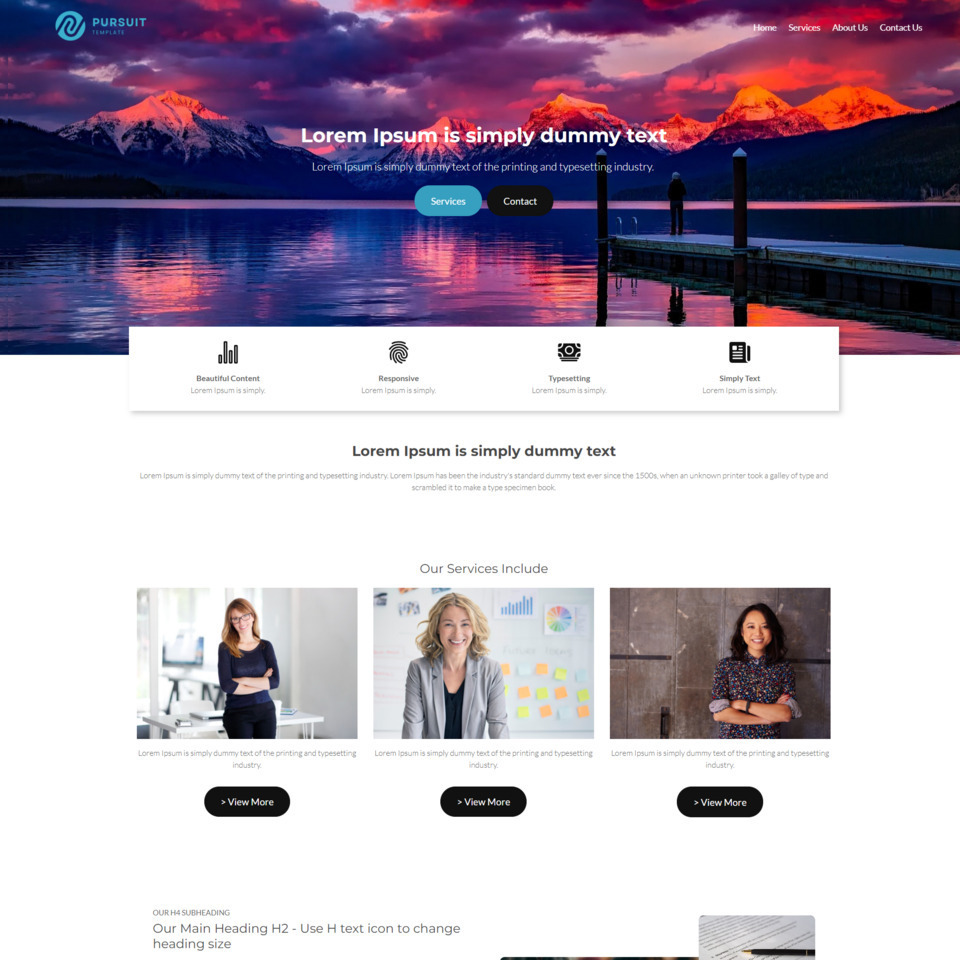 Pursuit Business TemplateID: 132969
 -
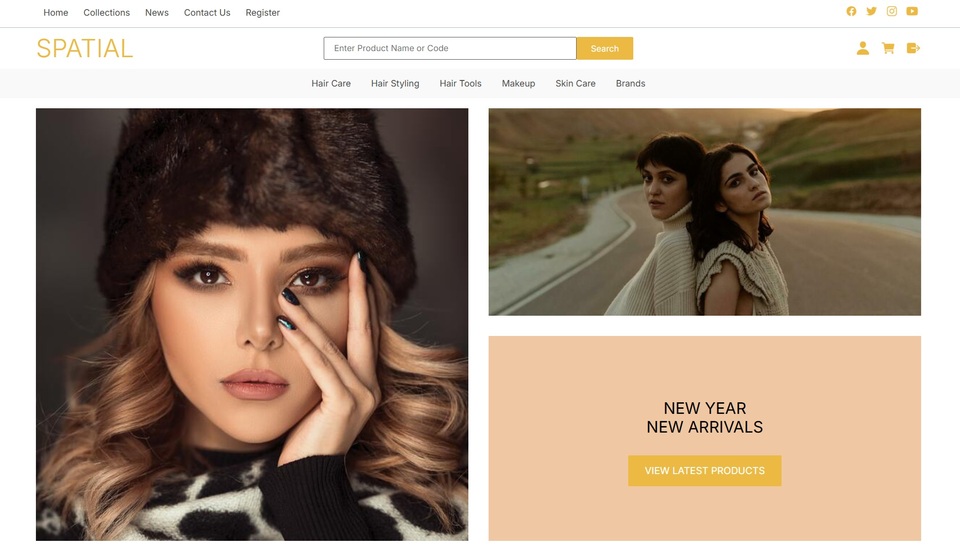 Spatial InventoryID: 132943
 -
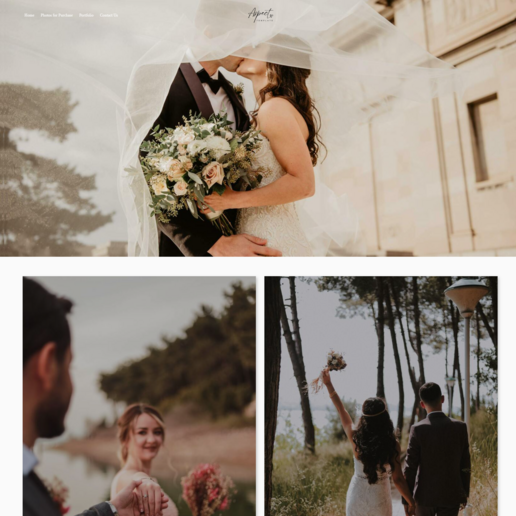 AspectID: 132663
 -
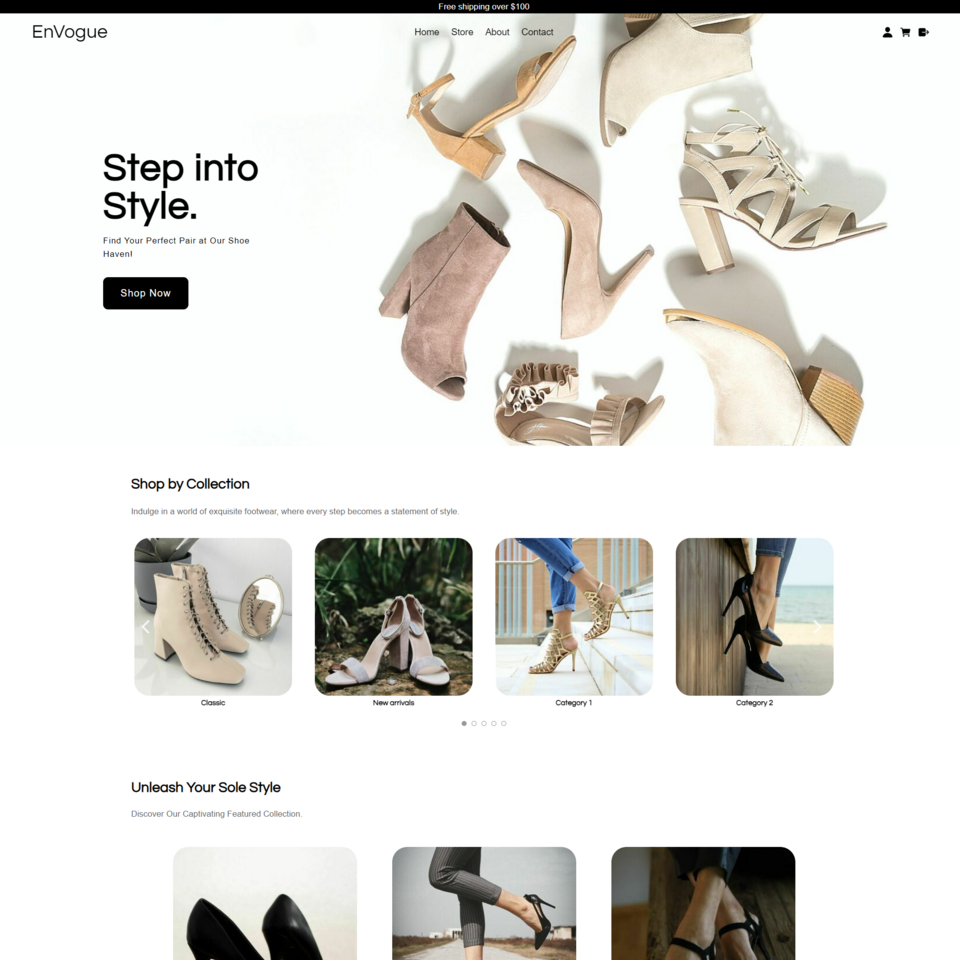 EnVogueID: 132429
 -
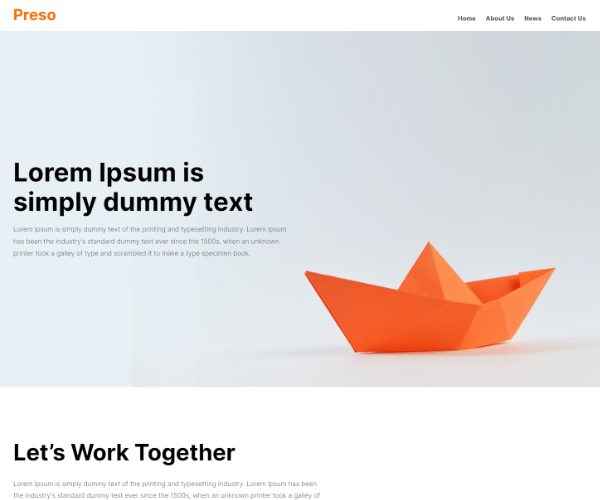 Preso ThemeID: 132311
 -
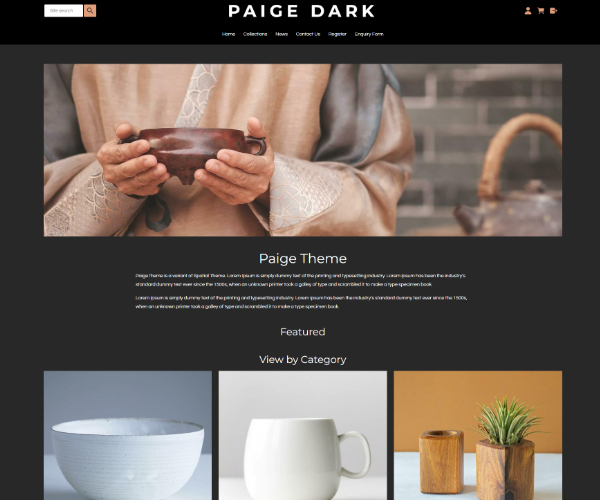 Paige DarkID: 132250
 -
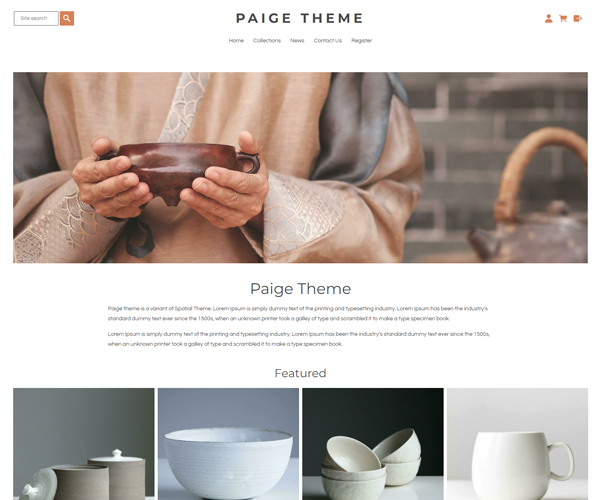 Paige ThemeID: 132236
 -
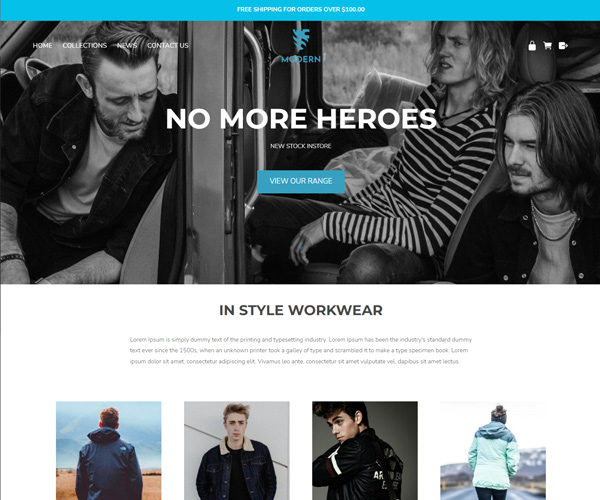 ModernID: 131773
 -
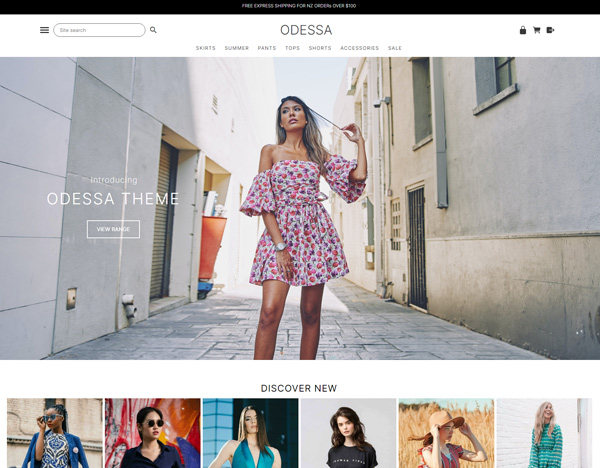 ODESSA THEMEID: 131763
 -
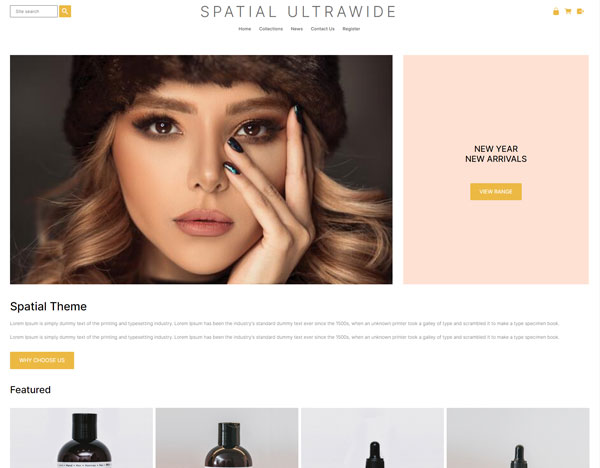 Spatial UltrawideID: 131609
 -
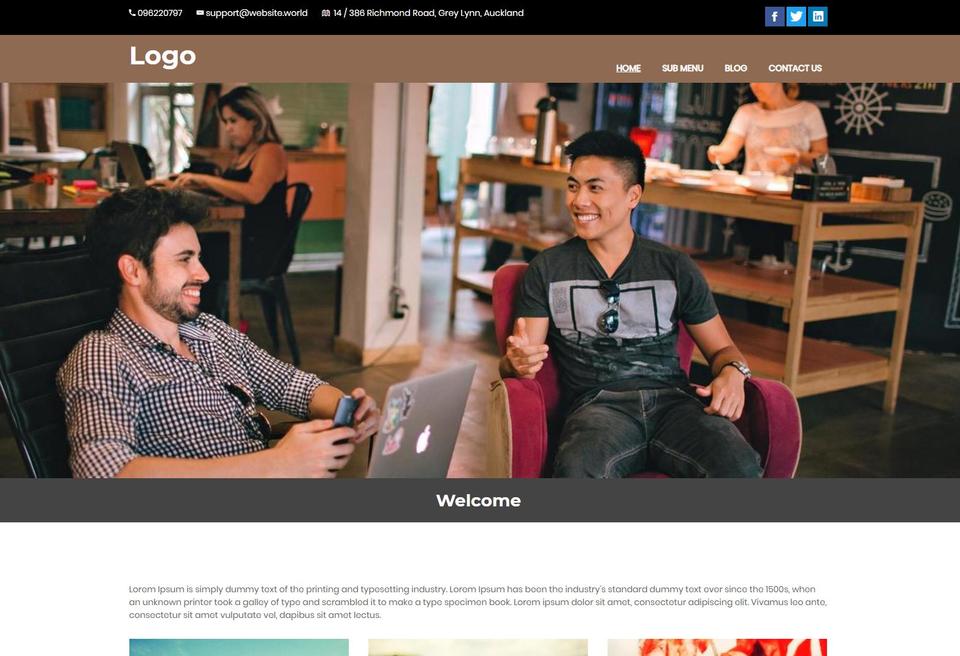 Content Box Service Provider with Mobile MenuID: 131414
 -
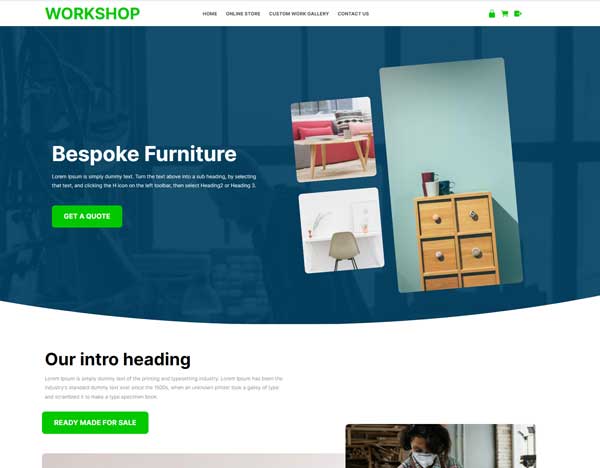 WorkshopID: 131413
 -
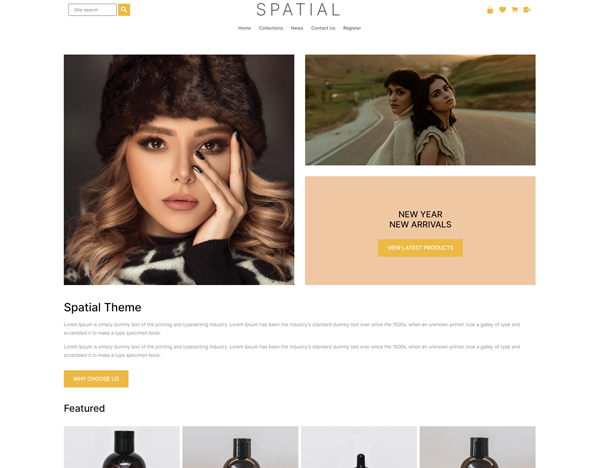 Spatial ThemeID: 131194
 -
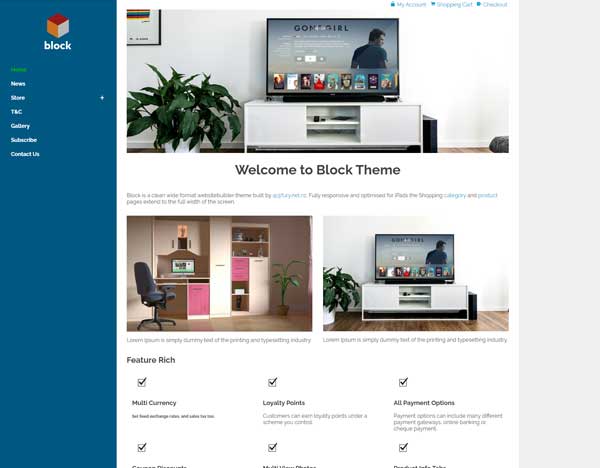 Block EcommerceID: 130563
 -
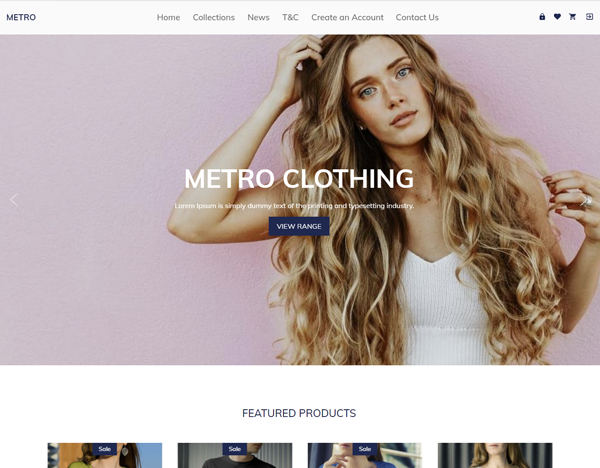 MetroID: 127782
 -
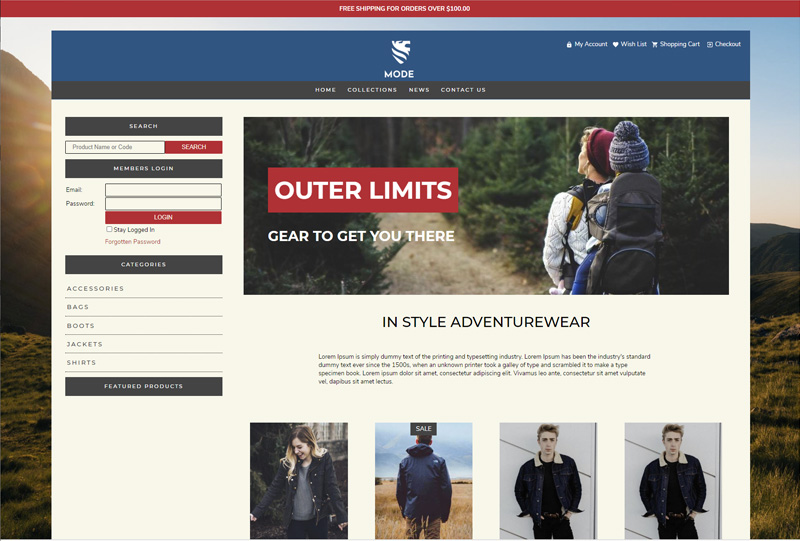 Mode InventoryID: 127284
 -
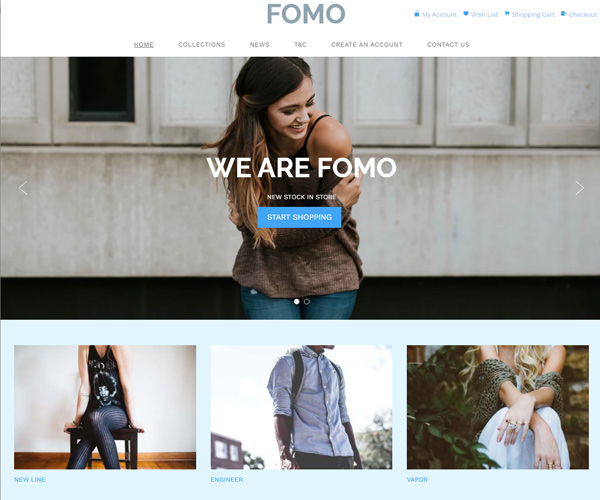 FOMOID: 125791
Didn't find anything you like?
Please choose from another category located above the template chooser - we recommend positional templates. The positional templates allow you to upload your own banners, logos, change background colours and more. Advanced web designers can update their CSS stylesheets and HTML templates. If you want a website design transferred from an existing website or a 3rd party template, then please contact us for a quote to transfer your design, or follow the instructions in our advanced FAQ area.
Template Search
Search by Name, Keyword or ID
